Campaigns
v0.1.x (Legacy) — Switch to v0.2.x docs
Campaigns allow you to send bulk messages to users. You can send any kind of message, but be aware of the 24 hour conversation limit when sending non template messages.
Step 1: Create the Campaign
Navigate to Campaigns from the sidebar and click the + icon to create a new campaign.
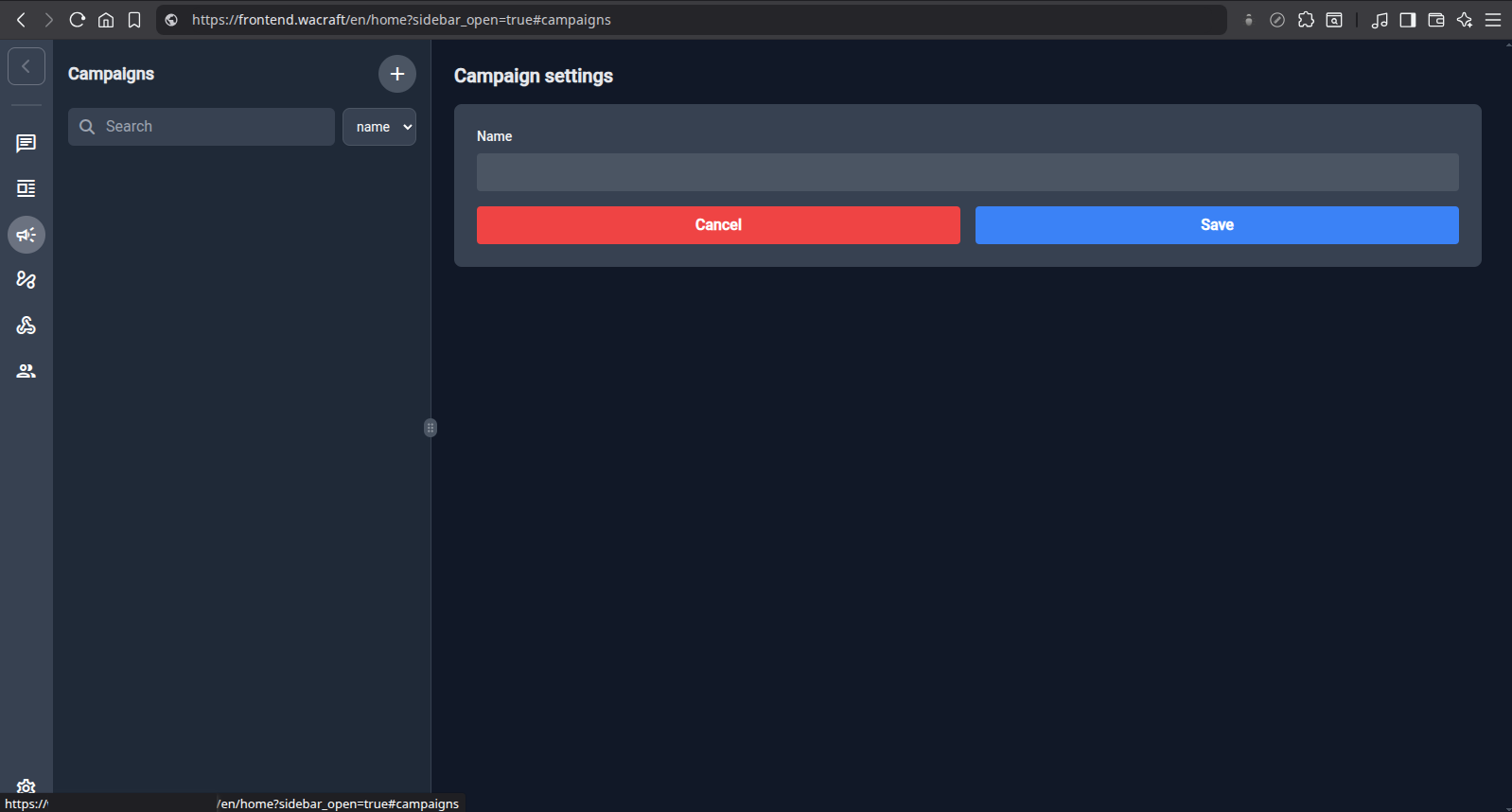
Give it a descriptive name and click Save.
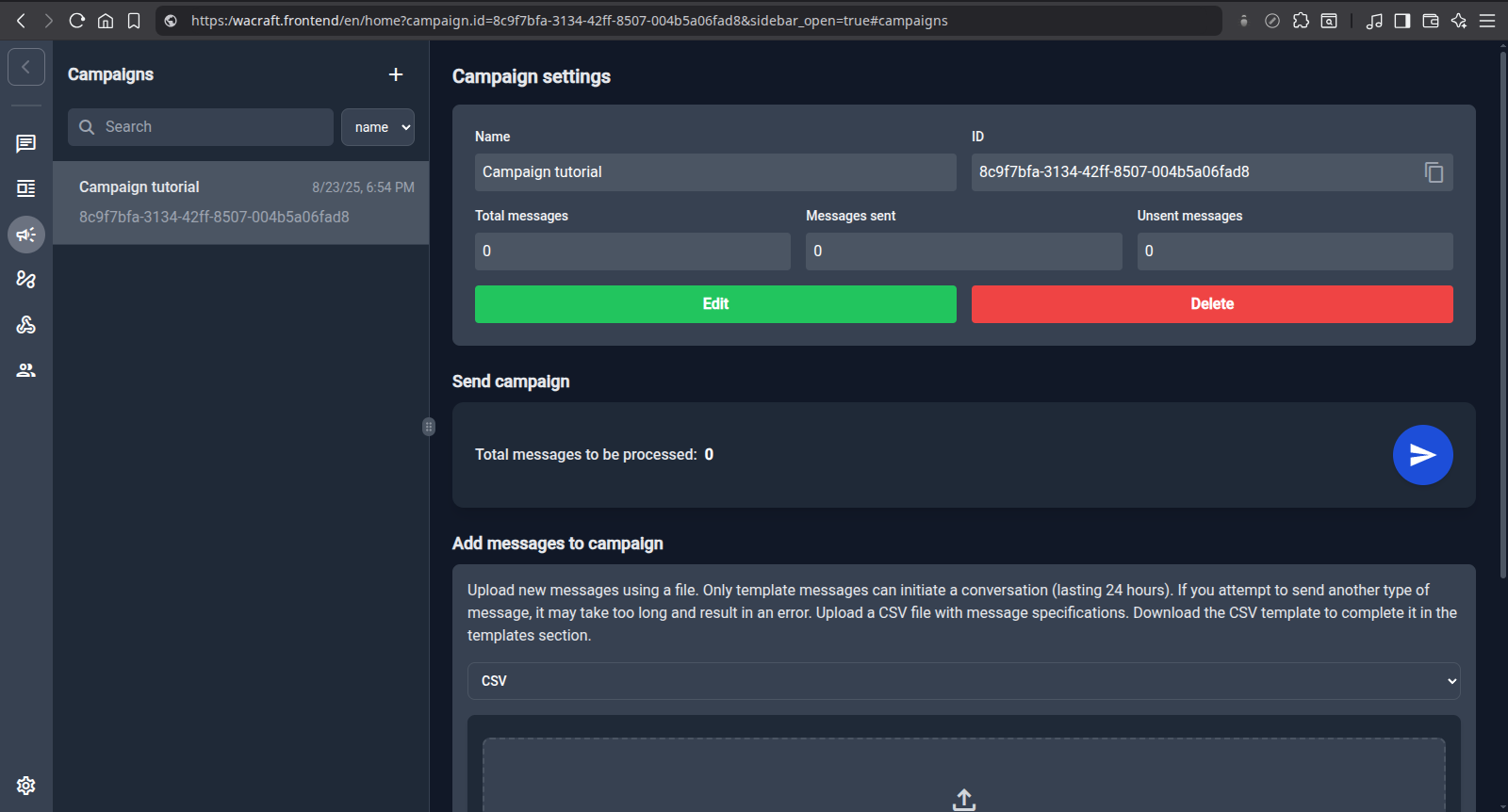
Step 2: Add Messages
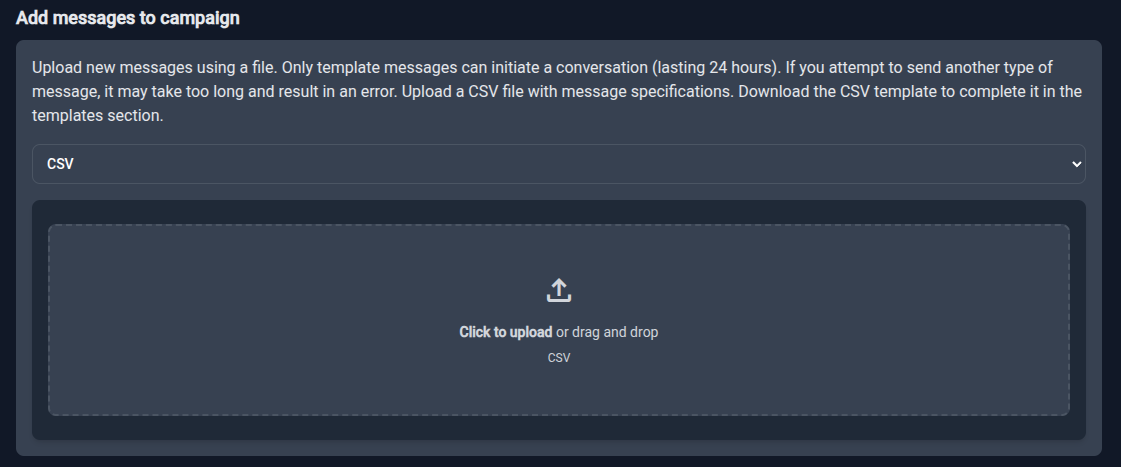
There are two ways to add messages:
Method 1: CSV (Recommended)
- Go to the Templates page and select your template.
- Click the CSV icon to download a pre‑formatted CSV.
- Fill the
tocolumn with phone numbers.
messaging_product,recipient_type,to,type,template.name,template.language.code,template.components
whatsapp,individual,5511999999999,template,hello_world,en_US,[]
whatsapp,individual,5521888888888,template,hello_world,en_US,[]
- Upload the file in the Add messages to campaign section.
Method 2: Raw JSON
Select JSON and paste an array of WhatsApp message objects. See the Meta API Reference for the format.
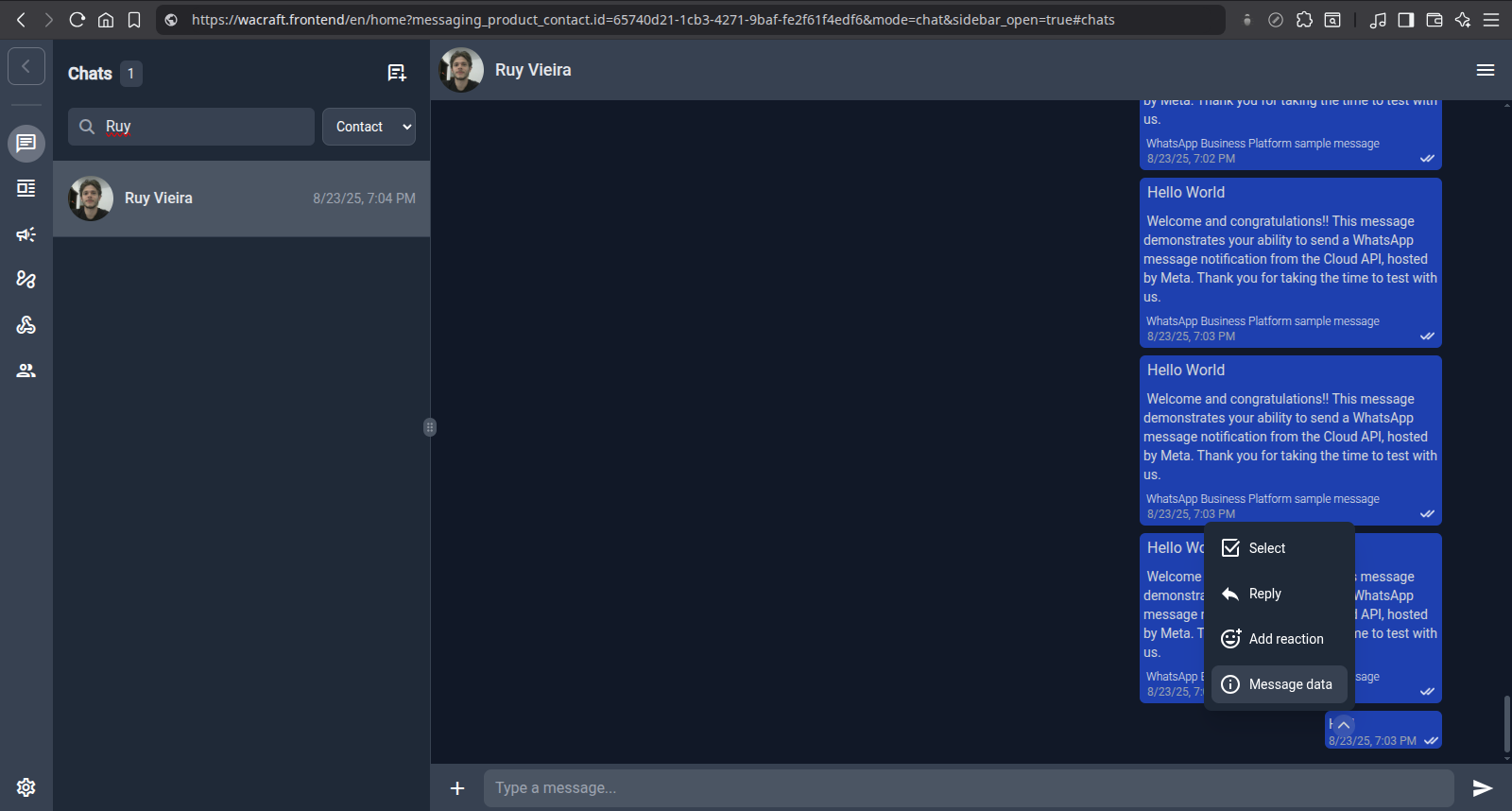
Tip: Send a message from Chats, click Message data, and copy the sender_data field to get a valid JSON object.
Step 3: Send and Monitor
Click the blue Send ▶️ button. A progress graph appears in real time.
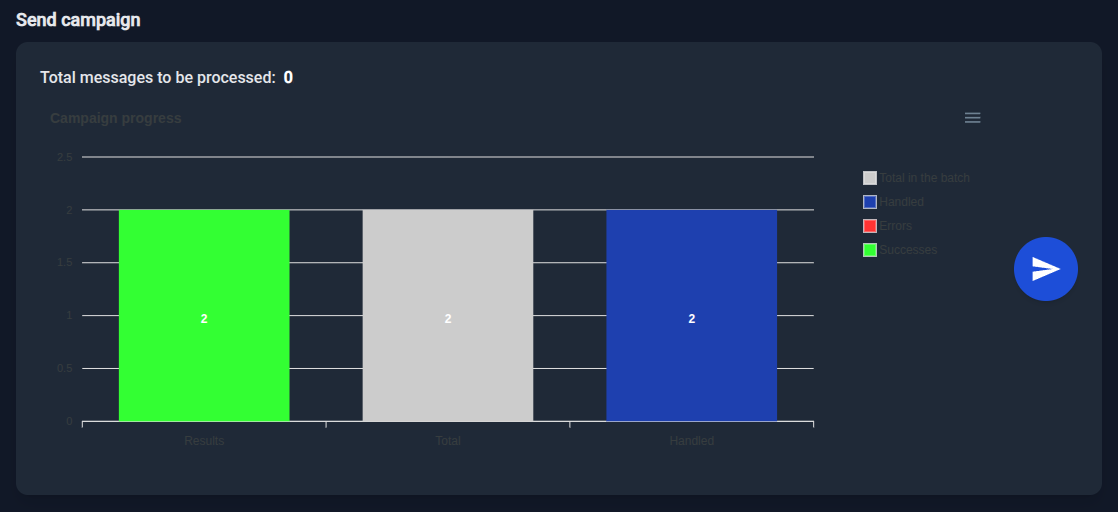
Note: A "success" means Meta's API accepted the message. For final delivery status, check the Chats page after some time.